Spreadsheets that tell you what is about to go wrong.
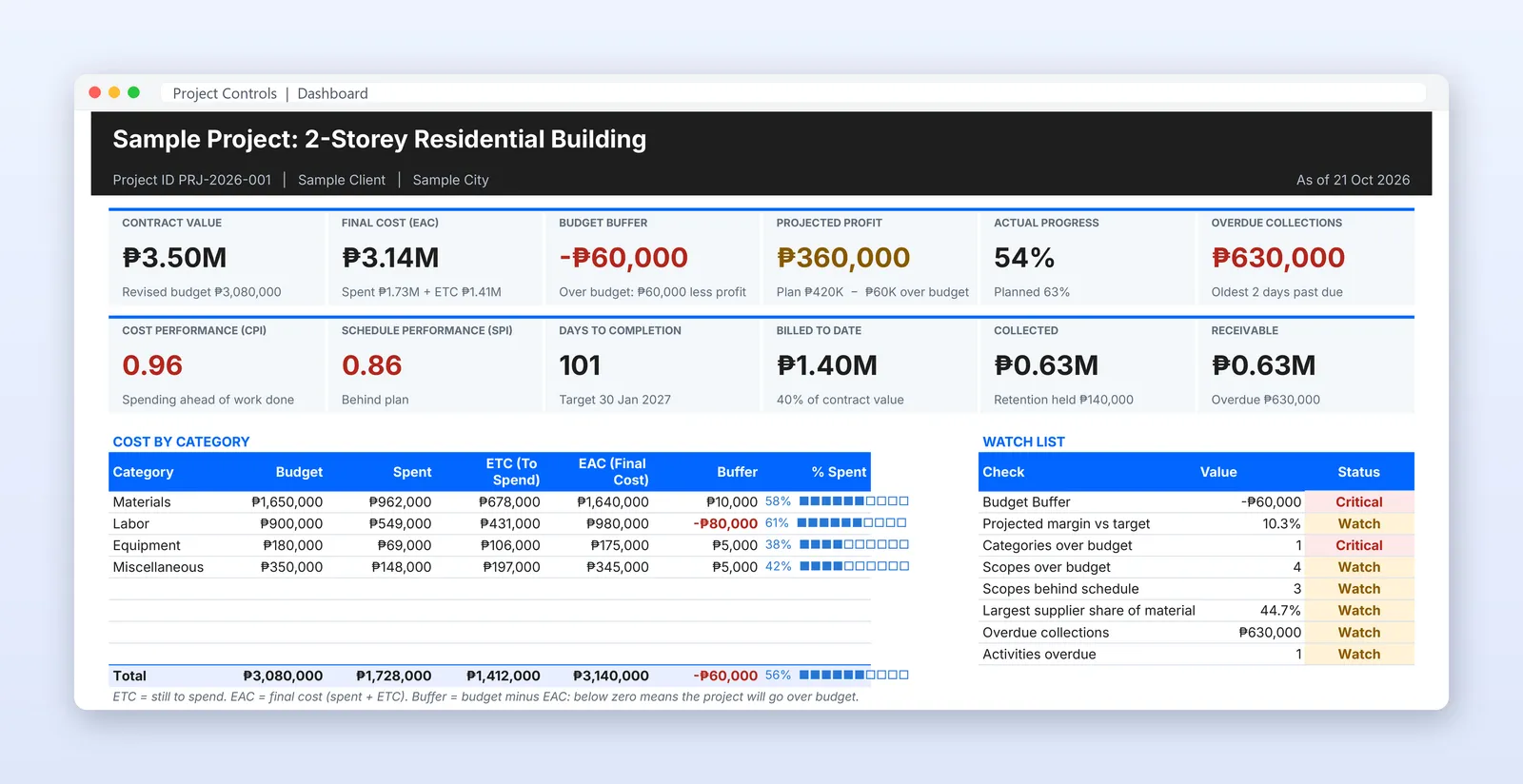
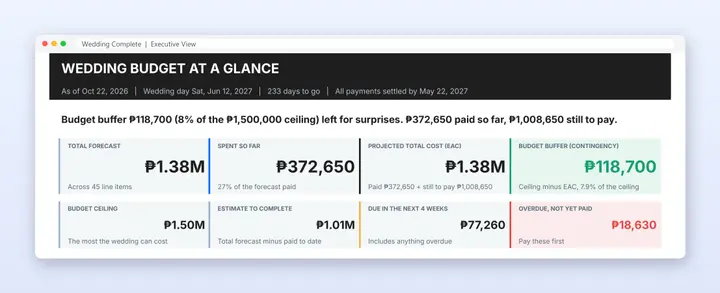
Ready-made Google Sheets for projects and weddings. Type your plan and your spending, and the dashboard shows what is overdue, what is due next and whether you will finish within budget.
Shop now- ₱250
- Starting price
- Pay once
- Yours to keep
- 7-day
- Refund policy
Google Sheets
Works in Google Sheets on any computer or phone
Your own Drive
Your own copy in your own Google Drive. Nobody else sees your data
Built in pesos
Built in pesos for Philippine projects and weddings
Upgrade later
Start small and upgrade by paying only the difference
Project templates
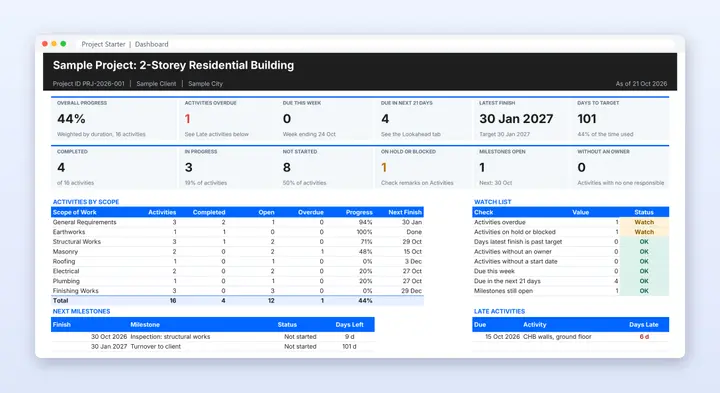
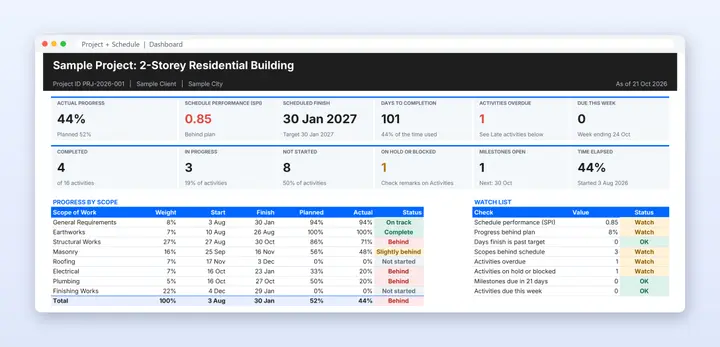
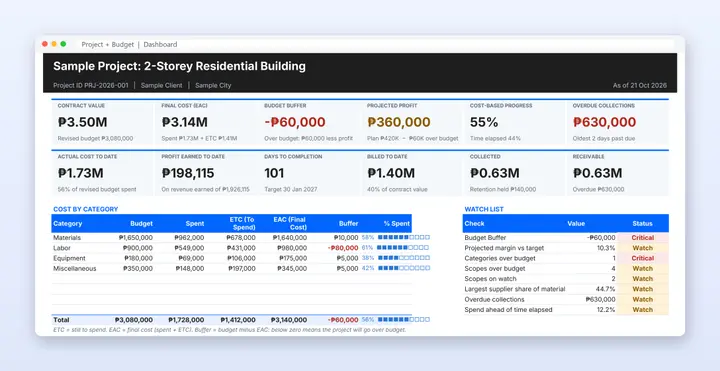
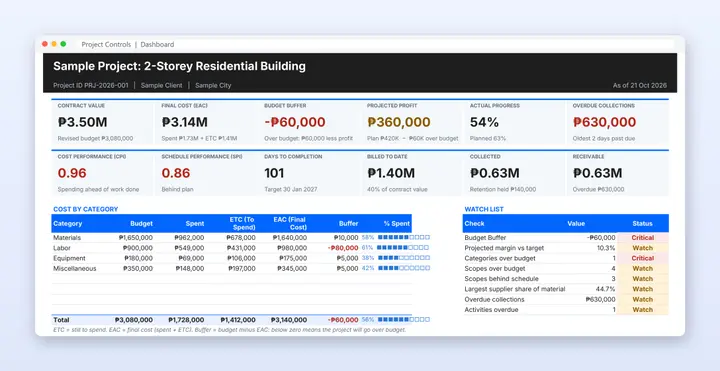
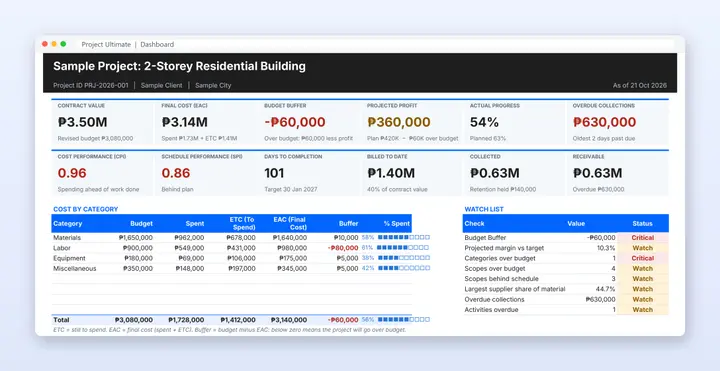
For site engineers, contractors and project managers. Start with a simple task tracker, then add the schedule, the budget, or both joined by earned value.
Wedding templates
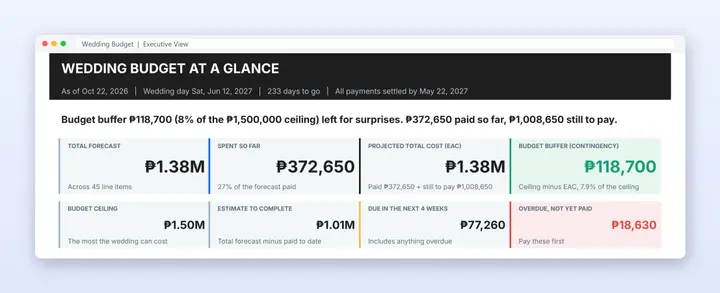
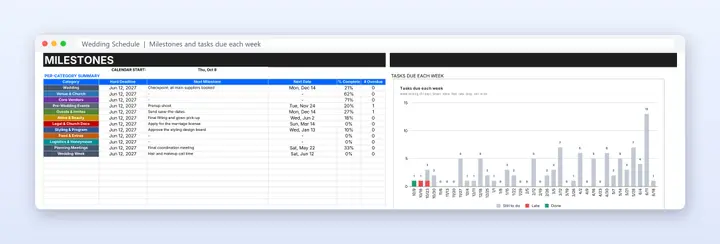
For couples and coordinators planning a Filipino wedding. Take the budget, the schedule, or both linked so every payment follows the plan.
test
test
How it works
Pick a template
Compare what each one includes and add it to your cart. No account needed.
Check out with your email
Type your email address, then pay by scanning the QR code on your order page.
We confirm your payment
Tap I have paid. Once we confirm it, your Make a copy links are emailed to you.
Make a copy
One click saves the sheet to your own Google Drive. Open the START HERE tab first.
Good to know
Do I need Excel?
No. You need a free Google account. The file opens in Google Sheets on a computer, tablet or phone.
How do I get the file?
After your payment is confirmed, you get an email with a Make a copy link for each template. The same links are on your My Orders page. Click the link, choose Make a copy, and the file is saved in your own Google Drive.
How do I pay?
Scan our payment QR code at checkout. We confirm your payment and email your templates, usually within 24 hours. Online payment by GCash, Maya and card is coming soon.
Do I need an account?
No. Checkout uses your email address only, so please type it carefully.
Can anyone else see my data?
No. Your copy belongs to you. We never see what you type.